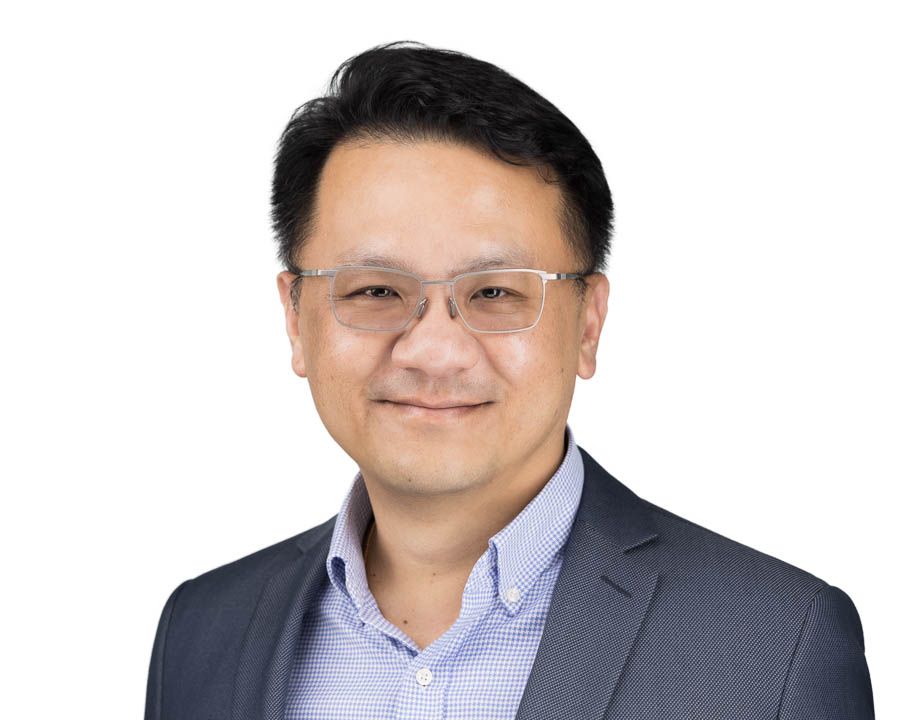
I am Ronald Soh the founder and business owner of Win-Pro. We are a Progressive Digital Transformation company, stretching from Singapore and Malaysia (JB, KL)
We train, consult and coach business owners to document, analyse, build and refine their business process, flow and logic.
We leverage on market proven technologies to help the fast growing companies to ScaleUp their business growth exponentially
We provide “CTO-as-a-Service” for companies that need CTO as a board member or to oversee and manage their corporate digital transformation project.
We design, build, deploy, manage and maintain IT infrastructure on-premise and on the cloud.
We manage and facilitate your IT Support Singapore by providing desktop support to end users and enabling enterprise support to administrators. We are also providing IT Support Malaysia.
I am blessed to be able to work and run our new business Sohe Life – Digital LifeStyle Gadget with my children.